
Visualisez les dépenses engagées avant qu'elles ne deviennent un problème.
Spend Intelligence offre aux équipes financières et achats une vision en temps réel des dépenses engagées et réelles dans toutes les catégories, avec des analyses proactives avant que les problèmes ne surviennent et des agents capables de répondre à vos questions à partir de données fiables.
Install Slack for Pivot
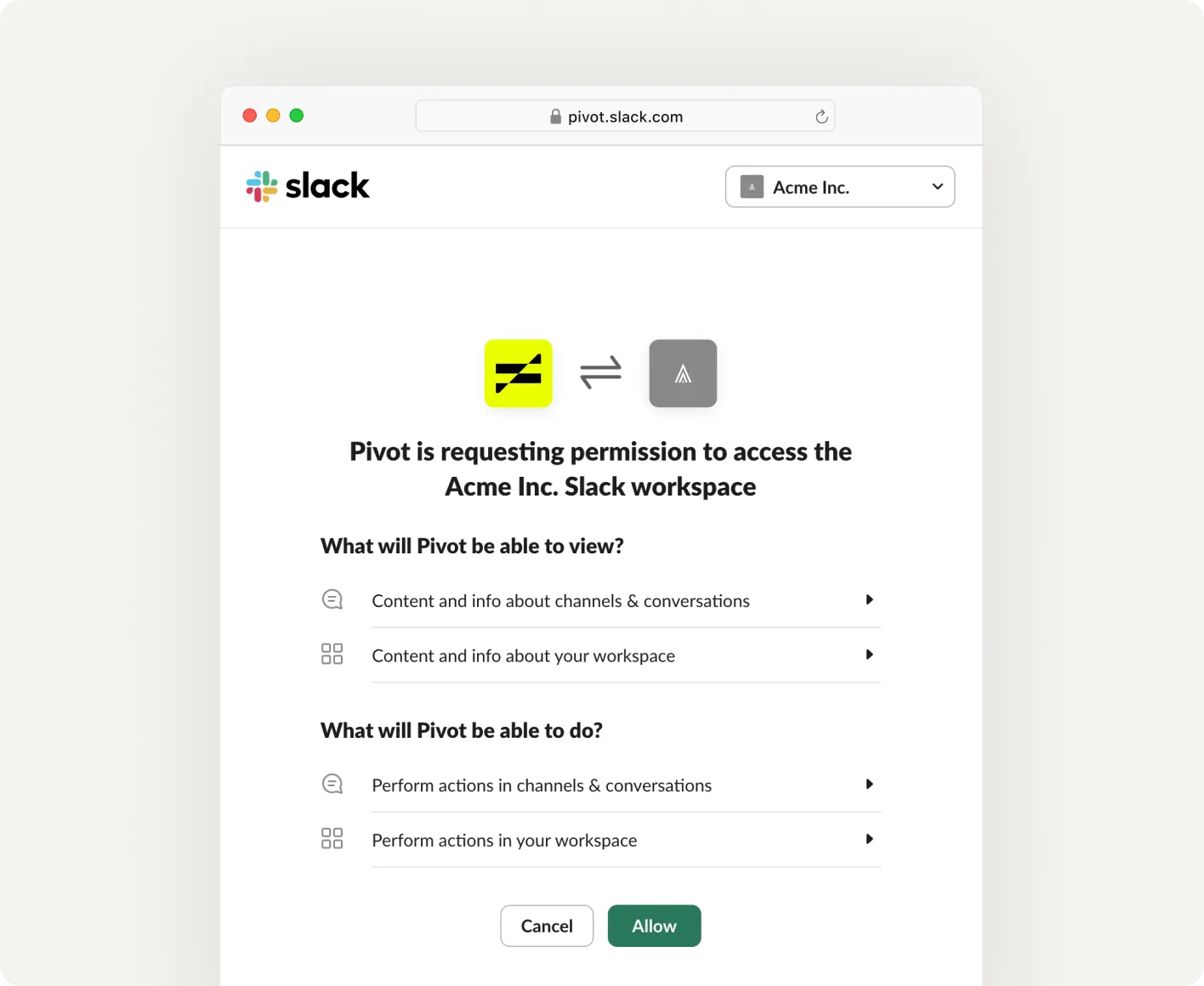
To connect Slack with Pivot, request a secure install link from our team at support@pivotapp.ai. Once you receive it, open the link to start Slack's standard authorization flow and approve the requested permissions.
Start a request in Slack
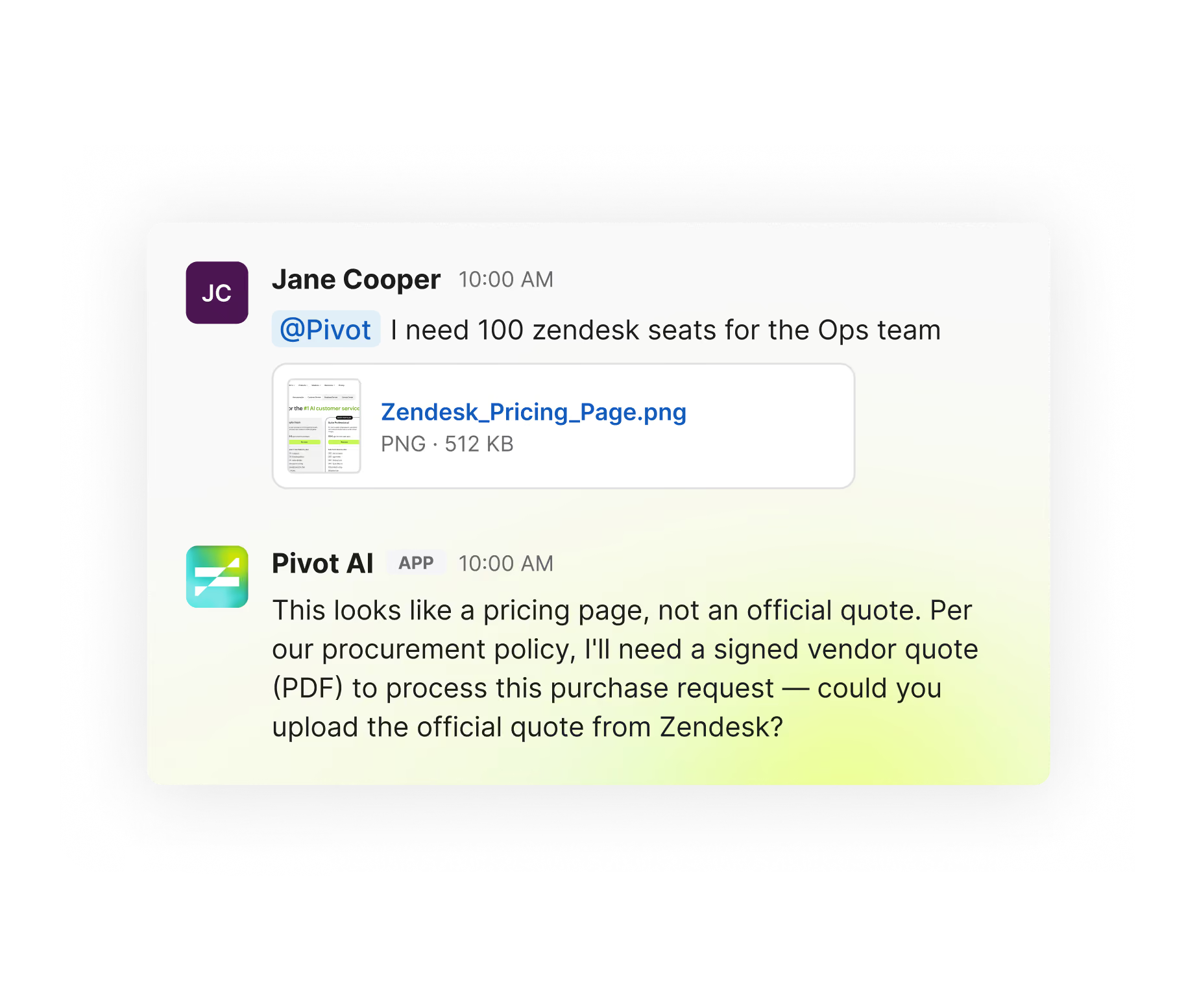
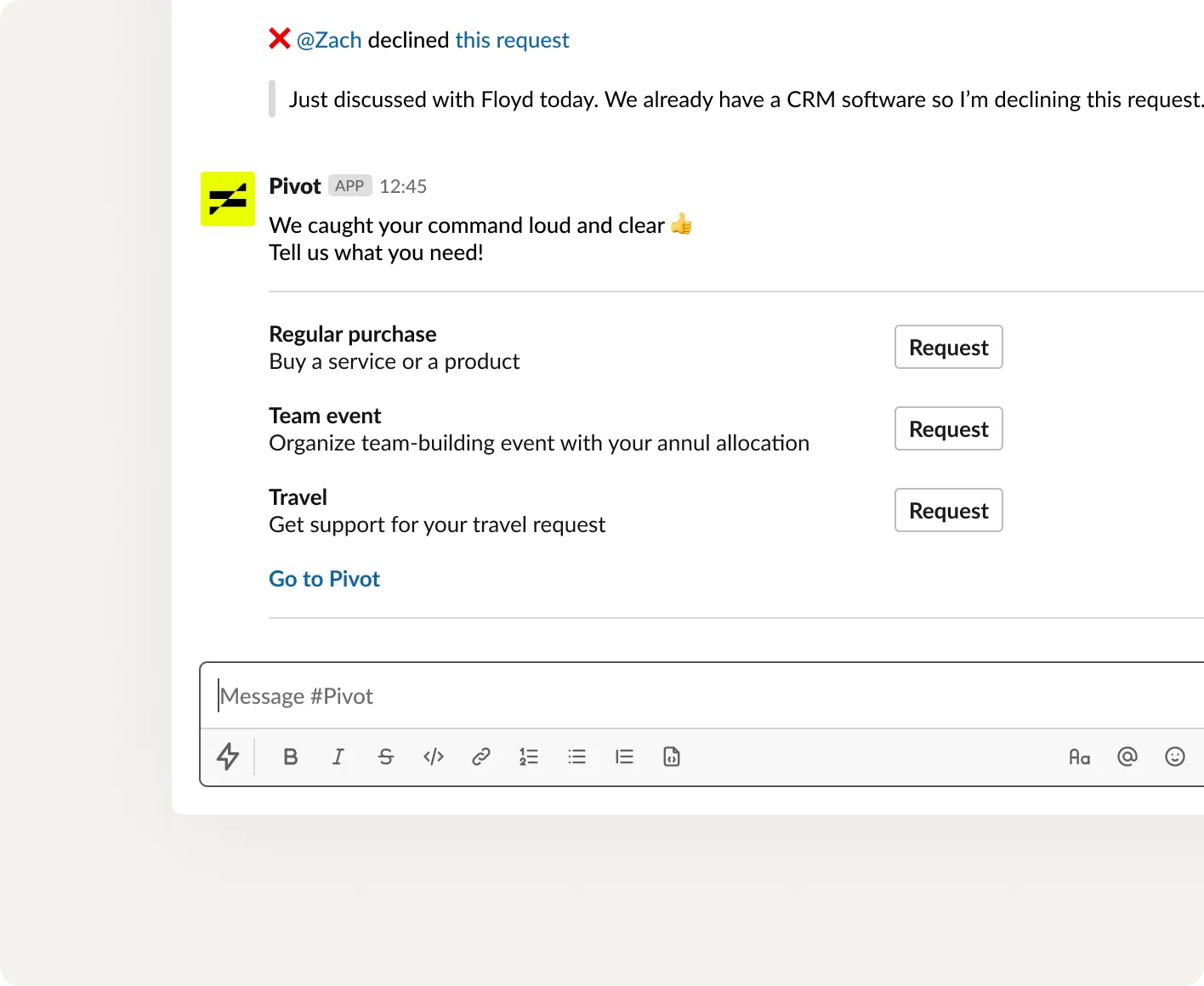
Initiate a procurement request directly in Slack using our /request command, simplifying the process for everyone.
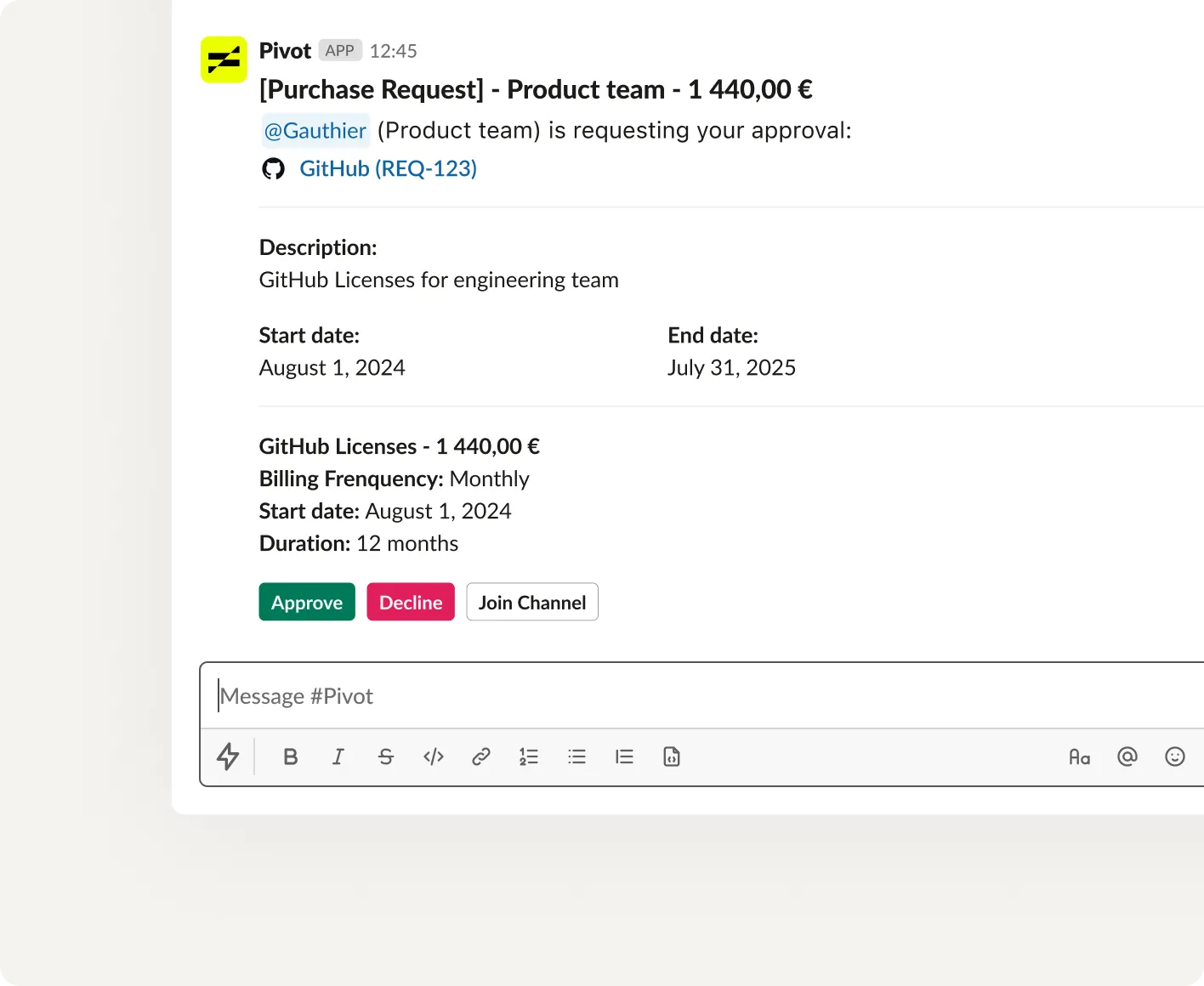
Approve with one click
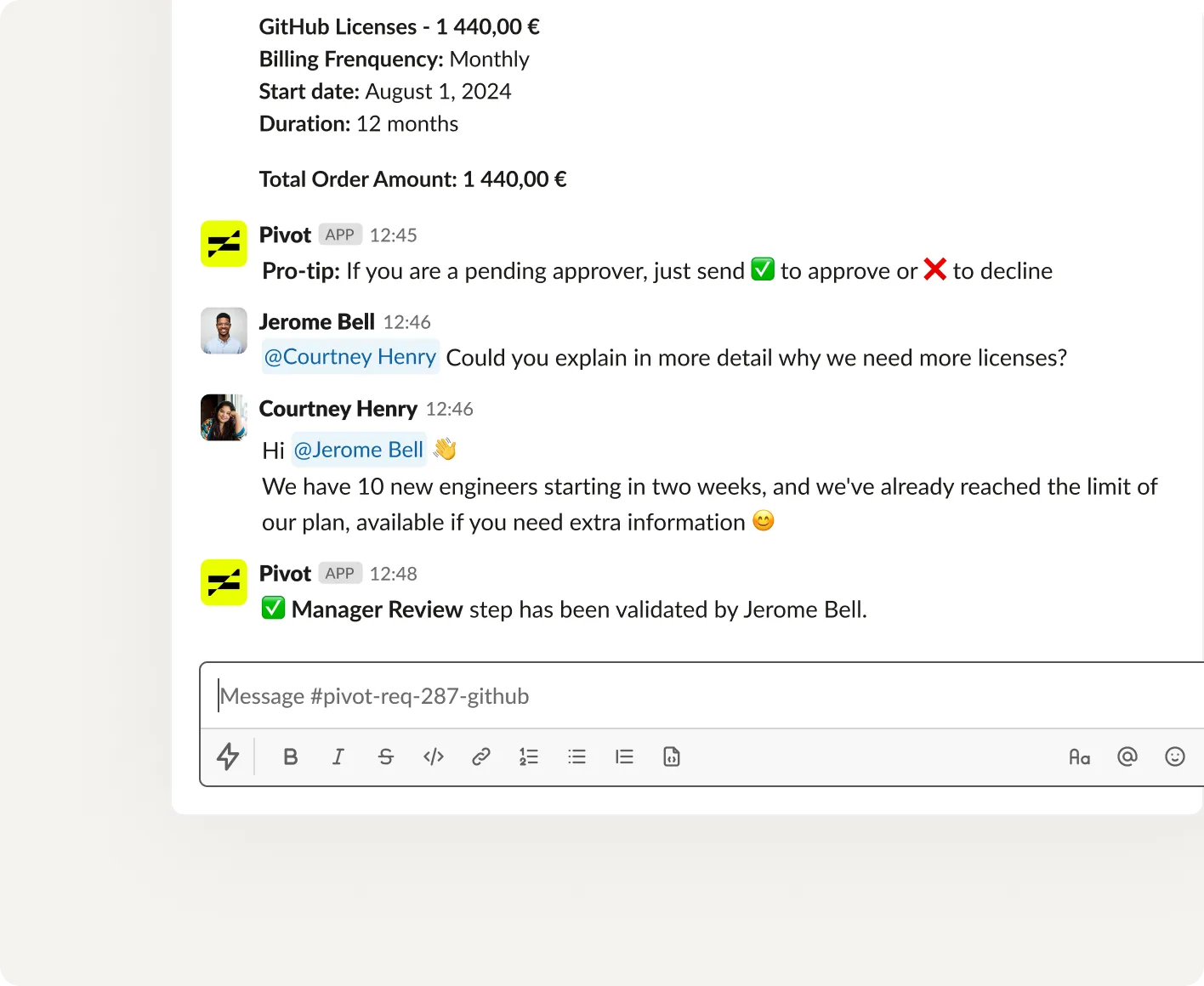
Approve or decline requests in seconds with notifications directly in Slack.
Comment and collaborate
Discuss requests, add comments and documents in Slack and then find them in Pivot.