
Install Slack for Pivot
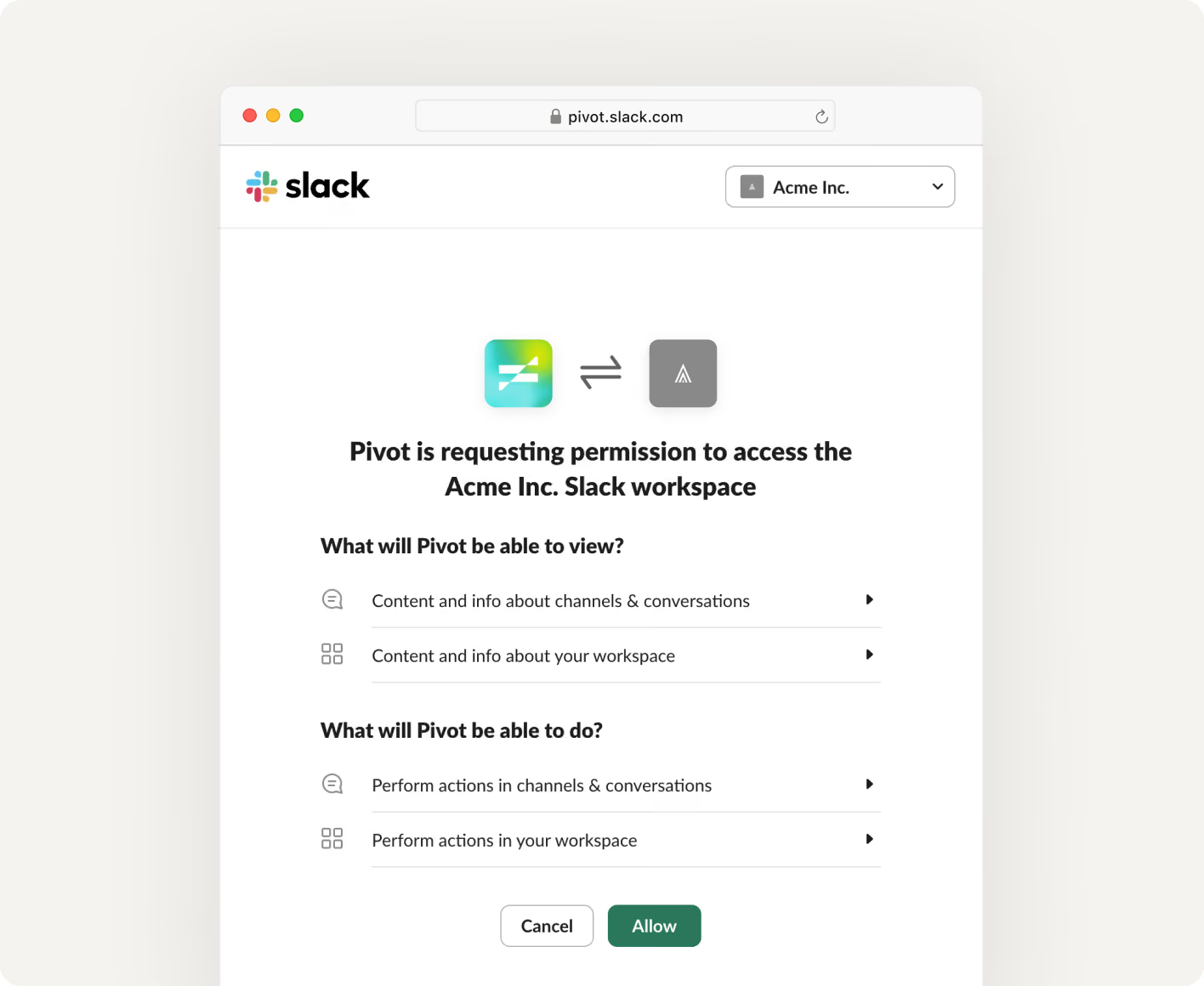
To connect Slack with Pivot, request a secure install link from our team at support@pivotapp.ai. Once you receive it, open the link to start Slack's standard authorization flow and approve the requested permissions.
Start a request in Slack
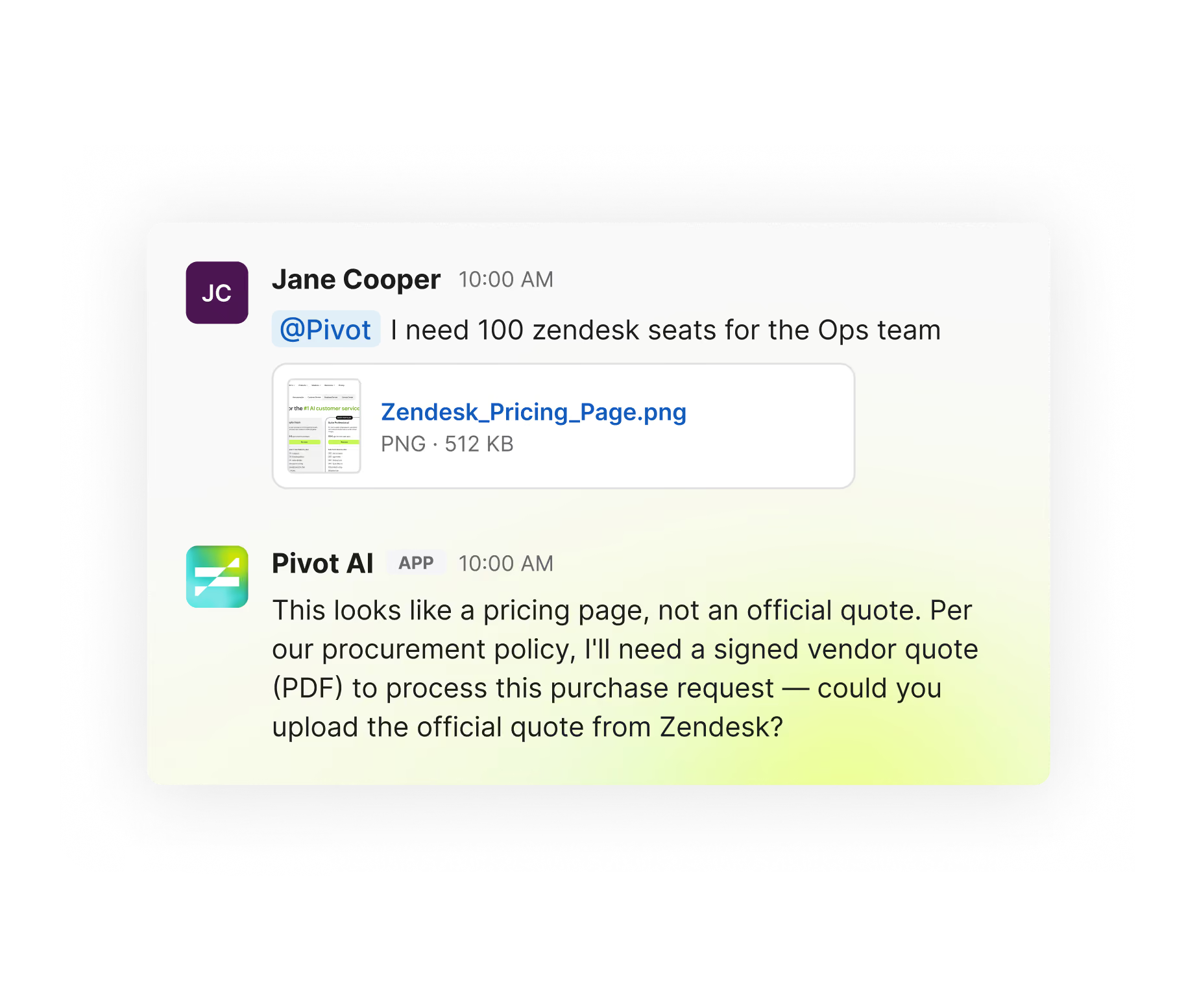
Start a purchase request directly in Slack. Message @Pivot with what you need or upload a quote, making it easy for everyone to submit requests without switching tools.
Approve with one click
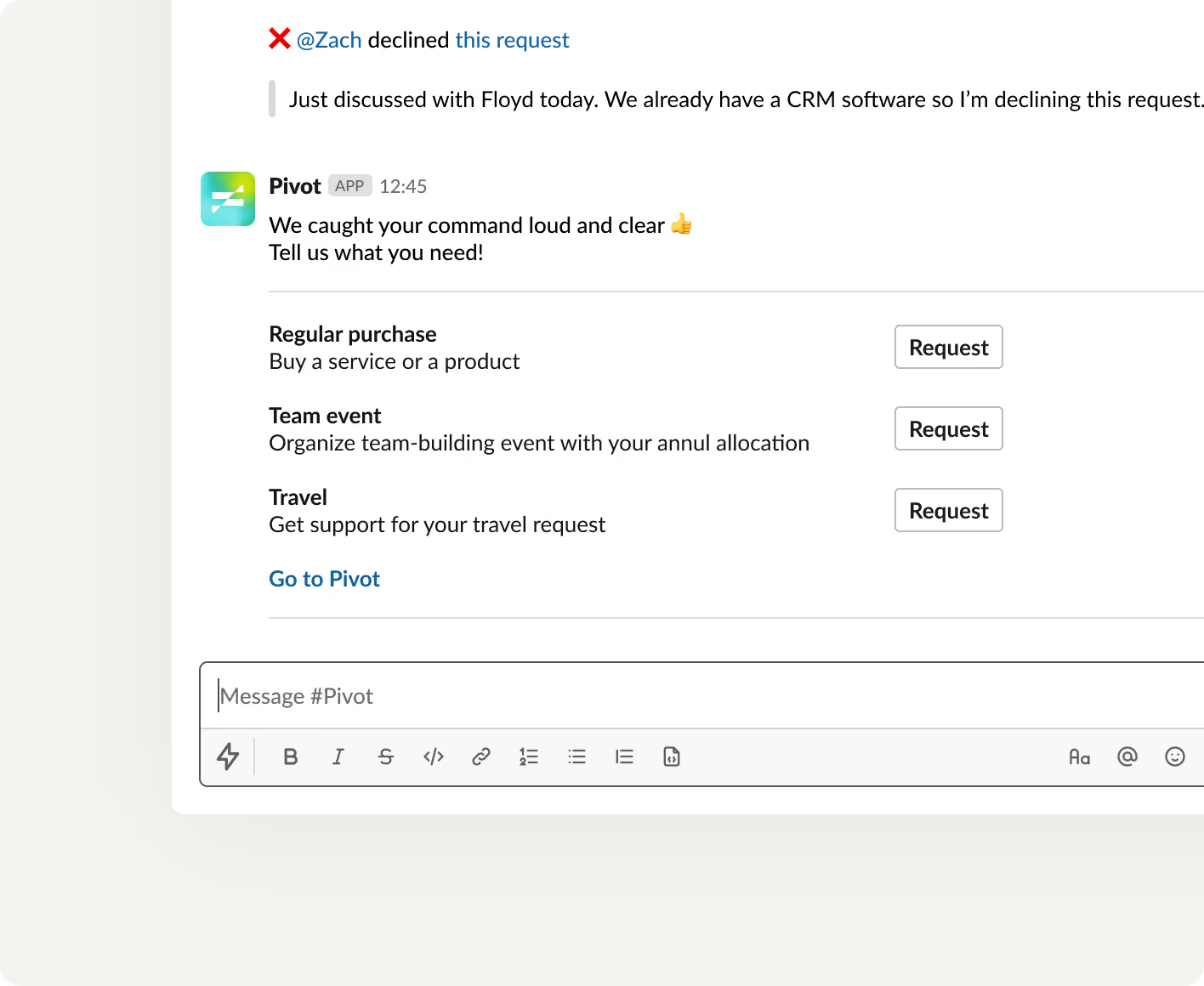
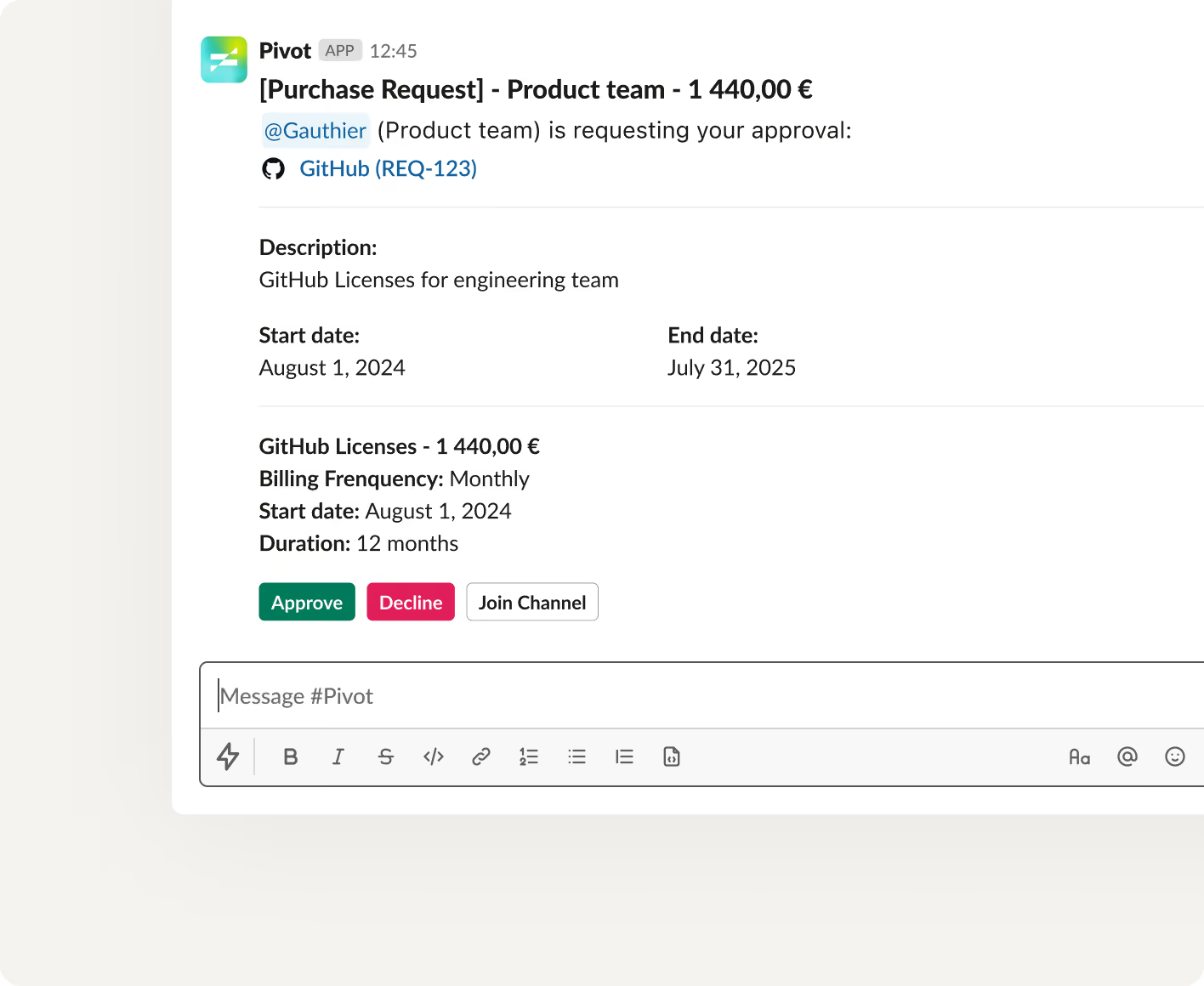
Approve or decline requests in seconds with notifications directly in Slack.
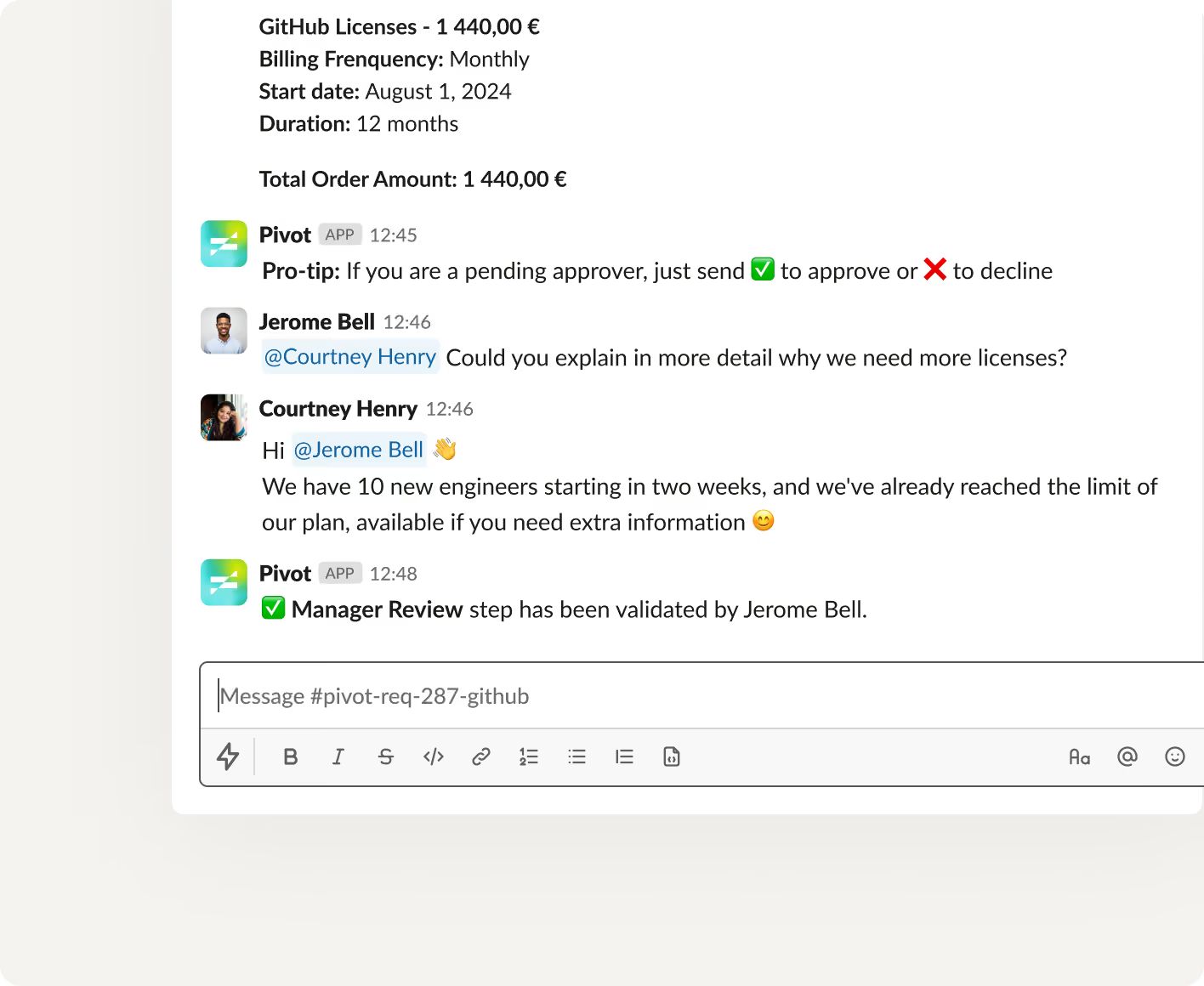
Comment and collaborate
Discuss requests, add comments and documents in Slack and then find them in Pivot.